About Navigation Watch & Maps
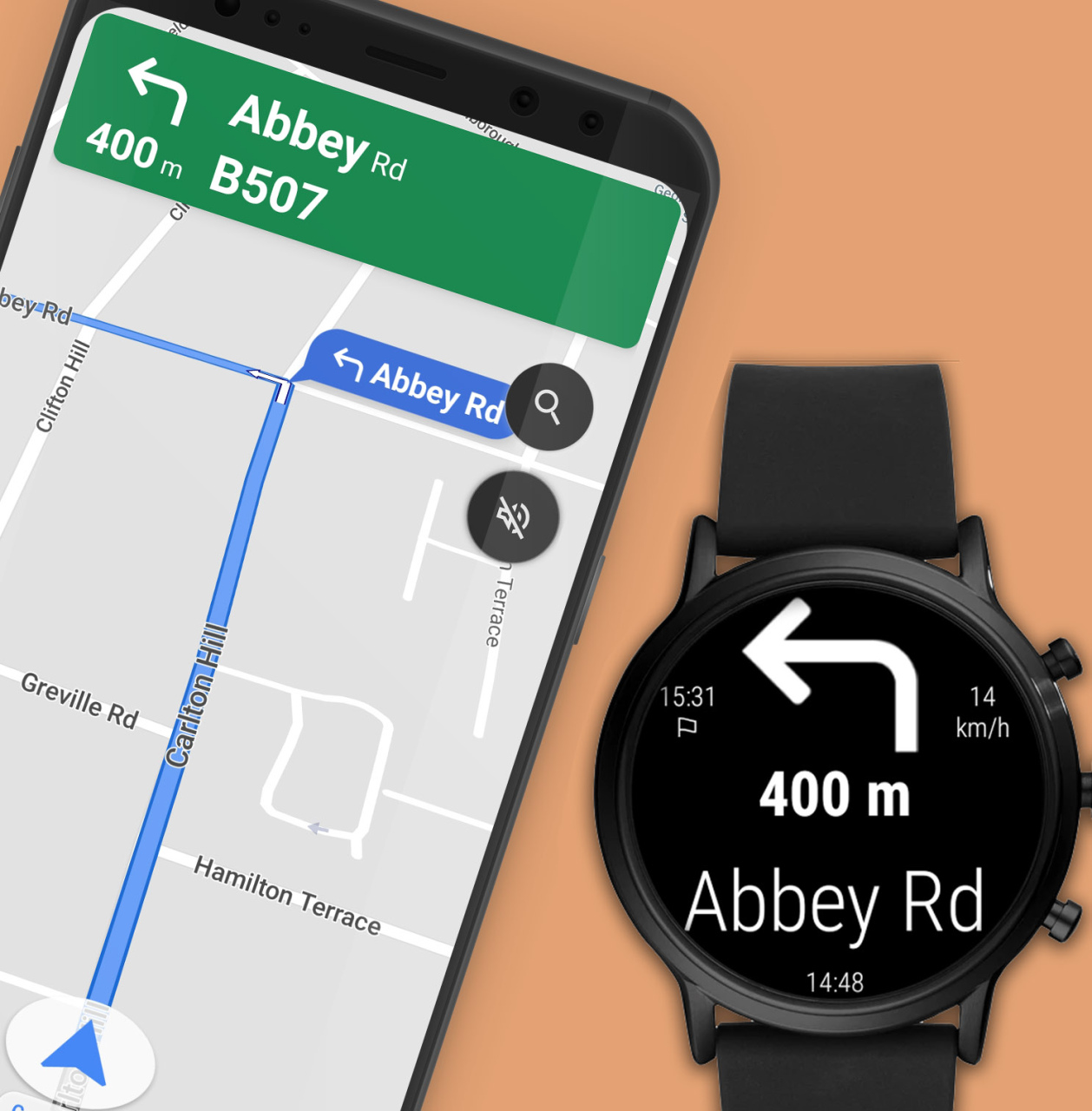
After installation just launch the app on your phone and grant the requested permission. Every time when you want to use it: • Start a Maps navigation on your phone • on the watch launch Navigation from app menu •...
After installation just launch the app on your phone and grant the requested permission.
Every time when you want to use it:
• Start a Maps navigation on your phone
• on the watch launch Navigation from app menu
• directions will be shown on your watch
• Incoming turns are signaled on your watch by vibrations: left turns will be signaled via two, right turns via three vibrations
You need to install the free companion app on your watch through this app.
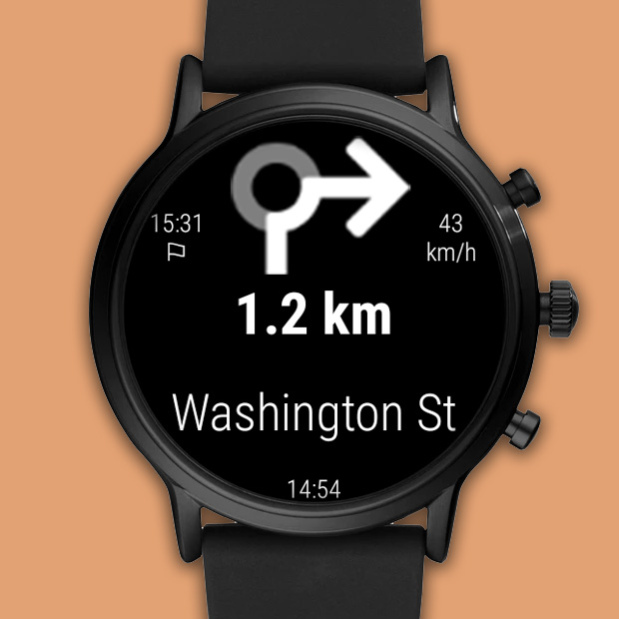
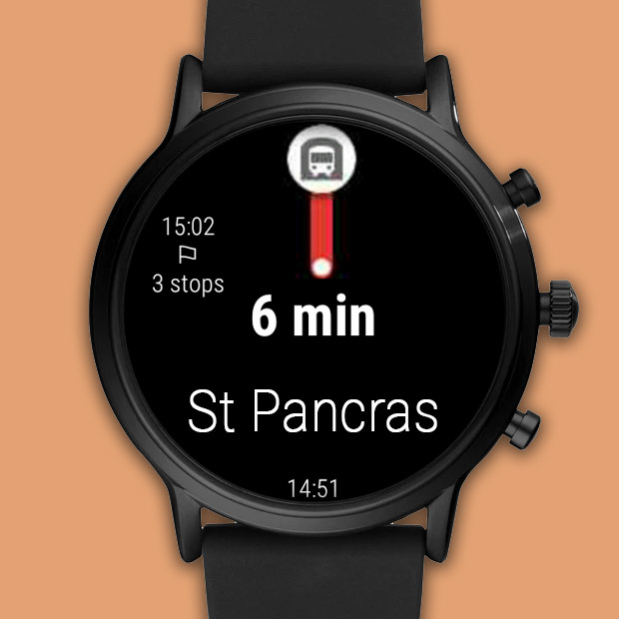
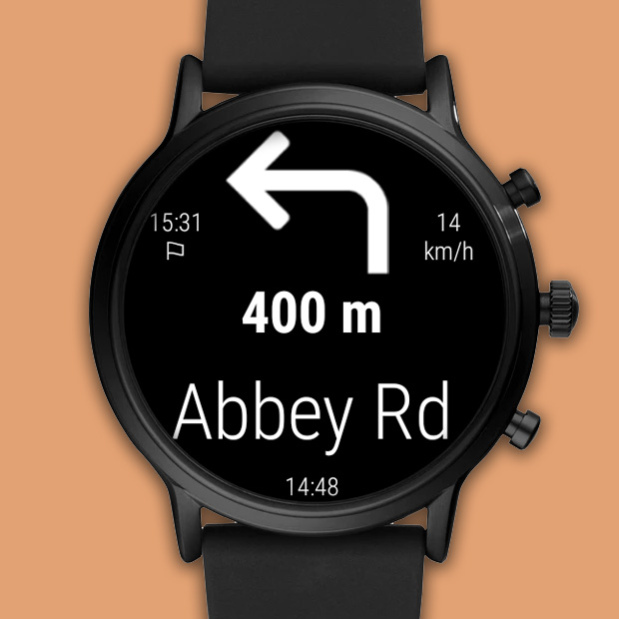
This app displays turns, distance, direction, speed and arrival time, a map is not shown.
Previous Versions
Here you can find the changelog of Navigation Watch & Maps since it was posted on our website on 2023-03-06 10:15:27.
The latest version is 1.61 and it was updated on 2026-10-13 06:13:30. See below the changes in each version.
Navigation Watch & Maps version 1.61
Updated At: 2022-10-03
Disclaimer
Official AppGallery Link
We do not host Navigation Watch & Maps on our servers. We did not scan it for viruses, adware, spyware or other type of malware. This app is hosted by Huawei and passed their terms and conditions to be listed there. We recommend caution when installing it.
The AppGallery link for Navigation Watch & Maps is provided to you by apps112.com without any warranties, representations or guarantees of any kind, so access it at your own risk.
If you have questions regarding this particular app contact the publisher directly. For questions about the functionalities of apps112.com contact us.